Phone key
Lives in your wallet. It's the key a robber gets, so the rules give it the least power: the allowance now, everything else only after the wait.
One vault, two kinds of money. A small allowance you can spend now, and savings that only leave slowly, in the open, where you can stop them.
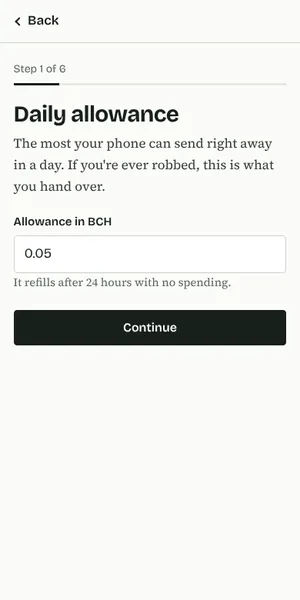
Allowance
Spend a little, straight away.
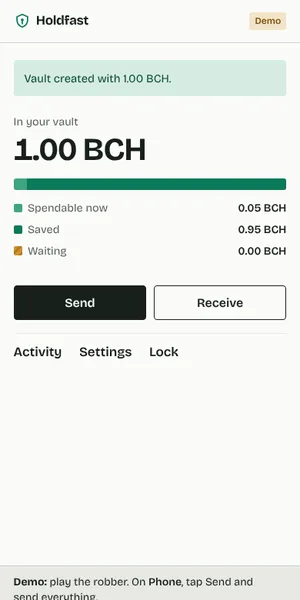
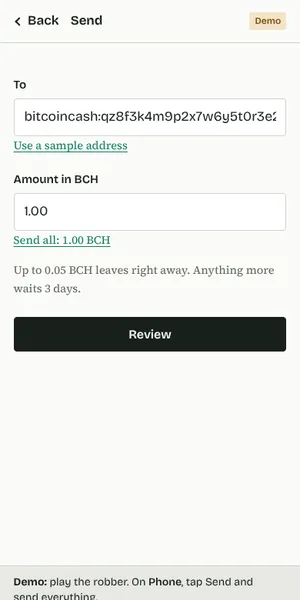
Wait
1 to 7 days before savings leave.
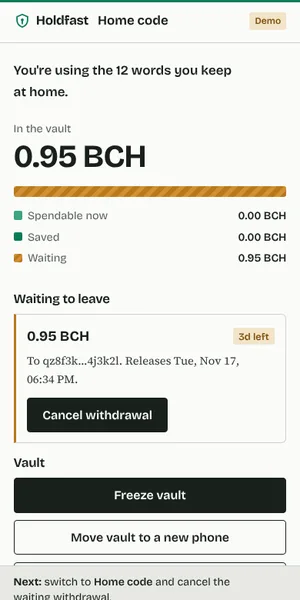
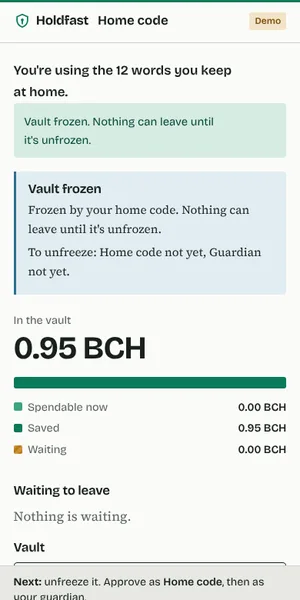
Home code
Cancels and freezes from home.
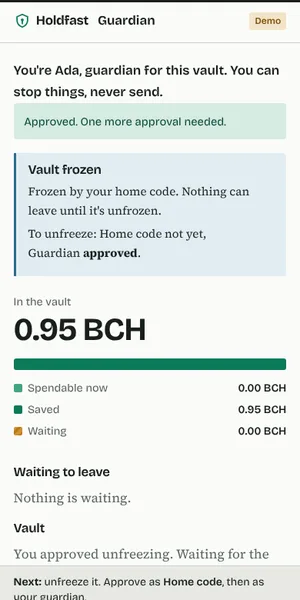
Guardian
Says stop. Never sends.
Open Holdfast and connect Paytaca with WizardConnect. Your wallet keeps its keys; Holdfast only asks it to sign.
The most anyone can spend from your phone in a day. Pick what you'd hand over without a fight.
How long bigger withdrawals take: 1 to 7 days, 3 by default. Longer is safer, shorter is handier.
A second key, shown once as 12 words to write on paper. Keep the paper at home. It never goes into your wallet, and you type it in only when you need it.
Optional but recommended. They open Holdfast, tap I'm someone's guardian, connect their own wallet and send you their guardian key.
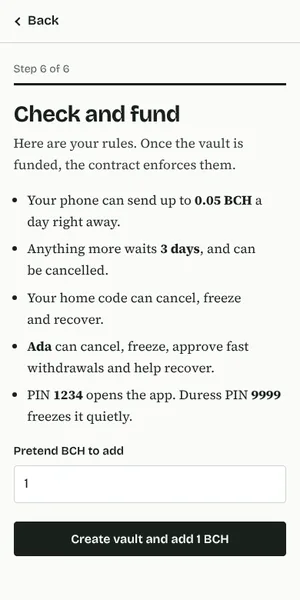
Review the rules in plain words, then send BCH in. From here the contract enforces everything.
The contract checks who signed and how much time has passed. Times are approximate because Bitcoin Cash counts time in blocks, about 10 minutes each.
| Action | Who can do it | How long it takes |
|---|---|---|
| Spend the allowance | Your phone | Right awayRefills after about 24 hours with no vault activity |
| Withdraw more | Your phone | Waits 1 to 7 daysYour choice, 3 by default |
| Cancel a withdrawal | Phone, home code or guardian | Right away |
| Fast withdrawal | Your phone and a guardian together | About 1 hour |
| Freeze the vault | Home code, guardian or your panic key | Right away |
| Unfreeze | Home code and a guardian together, or the home code alone if you have no guardian | Right awayIts small fee comes out of the daily allowance |
| Move everything to a new phone | After a full freeze: home code and guardian together. With no guardian, the home code alone | Right away with a guardian; your normal wait without one |
| Remove a guardian | Your phone and home code together | About 7 daysSo a stolen phone can't remove them quietly |
| Add more BCH | Anyone | Merged in laterDeposits join the vault when you tap Add to vault |
Lives in your wallet. It's the key a robber gets, so the rules give it the least power: the allowance now, everything else only after the wait.
A key you keep on paper, off your wallet. It can stop any withdrawal the phone starts and freeze the vault. The demo reminds you every 30 days to check your paper; the real vault doesn't yet.
A person with a key that can stop and approve, but never send money anywhere on their own. More on guardians.
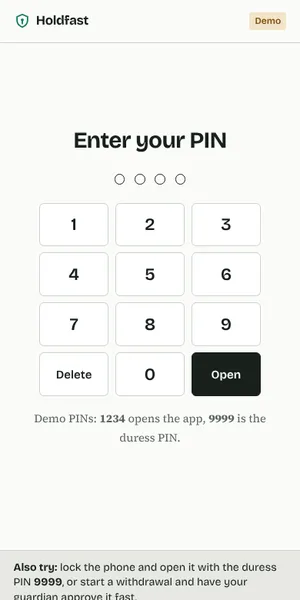
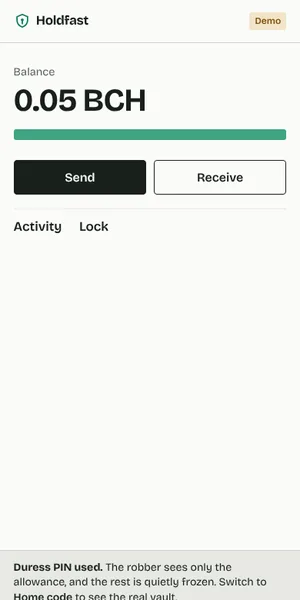
The duress PIN opens a normal-looking vault and freezes the real one in the background. The panic key is what it uses: it can freeze at duress level and pull waiting money back into the vault. It can't send anything out.
It never keeps your keys on a server, never runs a server that can move your money, and has no admin switch.
If this website disappeared, the contract would still follow its rules. With your vault code, home code and wallet, you can run the open-source app from GitHub and still cancel, freeze and recover.